 Beta
Beta




Set up your wallet
Once you’ve set up your wallet of choice, connect it to ARTiX by clicking the "Activity > Connect Wallet" in the top menu corner.
Digital marketplace for crypto collectibles and non-fungible tokens. Buy, sell, and discover exclusive digital assets.
Explore Create

It's a very happy time, even in the most difficult moments We need an artist. - Goethe As Goethe said, Young cultural and artistic freelancers will be energized I hope you can continue to do such wonderful things that make you feel joy, comfort, and empathy for those who live together with your own story at any moment. Also, I would like to meet such people and accompany them on their activities. *The full amount of sales will be fully funded by young people in the arts.

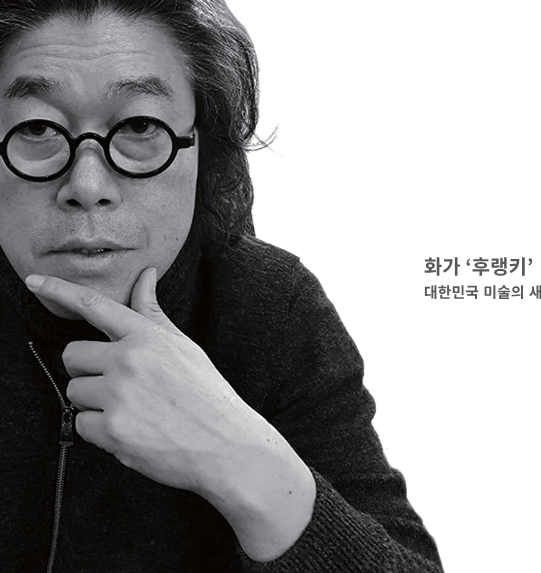
Hooranky.B says that painting is the basis of knowledge and a sign (image) that moves the heart. He records the memories, which are the points of human intellectual action, as digital images (signs). The images in his formative language meet the signs in the minds of the viewers. Hooranky.B is an Abstract Expressionist media artist. The titles of his works are psted in Arabic numerals and record the time they were made. Hooranky.B is an artist with a special concept of performance that goes beyond drawing and achieves great results through various businesses for promotion and marketing of his work.
Once you’ve set up your wallet of choice, connect it to ARTiX by clicking the "Activity > Connect Wallet" in the top menu corner.
Click Create and set up your collection. Add social links, a description, profile & banner images, and set a secondary sales fee.
Upload your work (image, video, audio, or 3D art), add a title and description, and customize your NFTs with properties, stats, and unlockable content.
Choose between auctions, fixed-price listings, and declining-price listings. You choose how you want to sell your NFTs!